How Technical Program Managers Can Leverage AI Tools to Double Their Output
You’re managing three critical enterprise programs, coordinating across four engineering squads, and trying to align a cross-functional launch with marketing and legal. It’s 4:30 PM on a Thursday. You have 12 unread Slack threads demanding updates, a half-written Technical Design Document (TDD), and an executive status report due by 9:00 AM tomorrow.
Then, your interviewer asks: "What specific AI tools and workflows do you use in your daily operations to drive engineering efficiency and scale your program output?"
This is where unprepared candidates stumble.
They drop vague buzzwords: "I use ChatGPT for writing emails and Notion AI for taking notes."
Stop listing generic AI chatbots. Mentioning basic text tools reveals a surface-level understanding of modern engineering operations. FAANG hiring panels expect Technical Program Managers (TPMs) to act as technical systems integrators. They want to see that you leverage specialized AI tools across the entire program lifecycle—from code-level PR analysis and automated dependency mapping to dynamic risk modeling and executive reporting.
To prove technical leadership and operational mastery, you need a structured workflow: the STACK method.
The Core Framework: The "STACK" Method
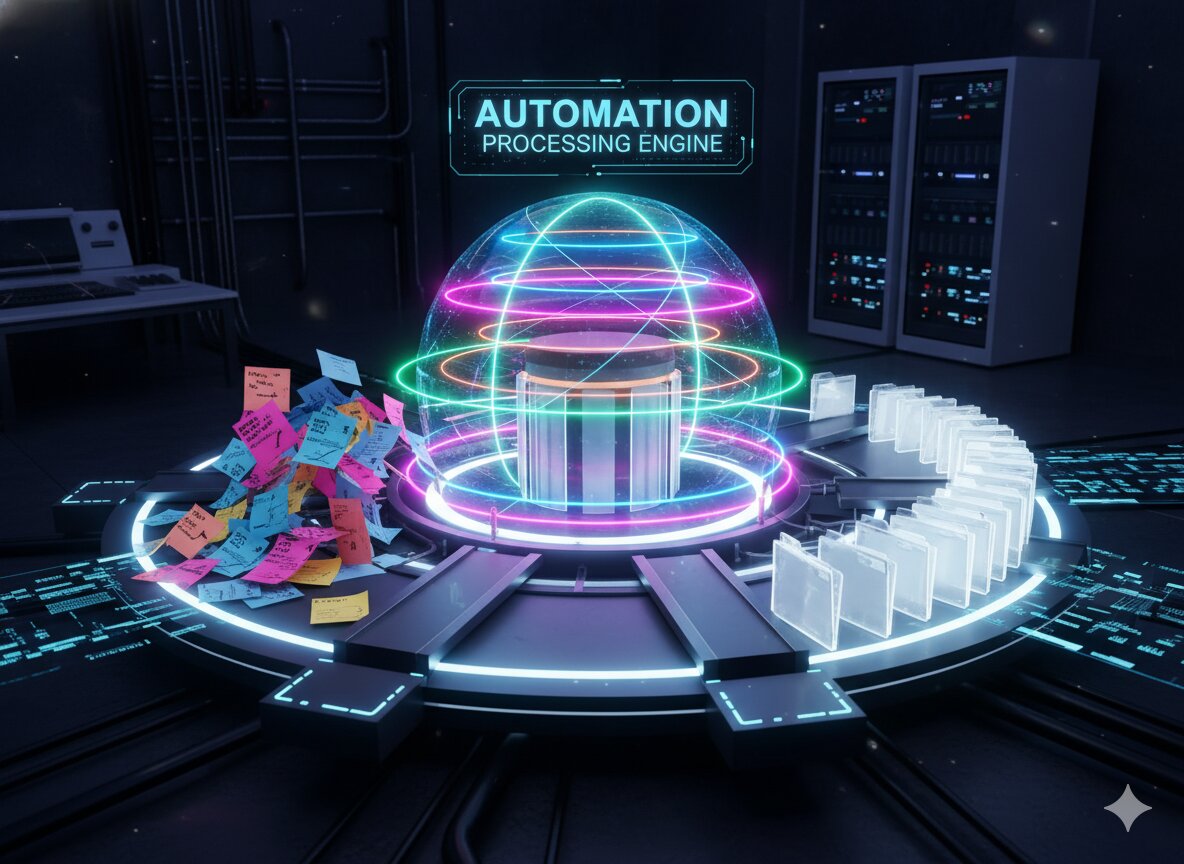
Elite TPMs do not just prompt AI; they build an integrated operational stack that automates low-leverage admin tasks and surfaces high-signal program risks.
          [ Multi-Team Technical Program Execution ]
                              │
                              ▼
       ┌─────────────────────────────────────────────┐
       │     S-PEC & DOCUMENTATION GENERATION        │
       │  * Tools: Claude 3.5 Sonnet, GitHub Copilot │
       └──────────────────────┬──────────────────────┘
                              │
                              ▼
       ┌─────────────────────────────────────────────┐
       │     T-RIAGE & BACKLOG INTELLIGENCE          │
       │  * Tools: Linear Asks, Jira AI, Enterprise   │
       └──────────────────────┬──────────────────────┘
                              │
                              ▼
       ┌─────────────────────────────────────────────┐
       │     A-UTOMATED MEETING & DECISION EXTRACTION│
       │  * Tools: Otter.ai, Fathom, Granola         │
       └──────────────────────┬──────────────────────┘
                              │
                              ▼
       ┌─────────────────────────────────────────────┐
       │     C-ODE DEPENDENCY & RISK ANALYSIS        │
       │  * Tools: CodeSee, Bito, Sourcegraph Cody   │
       └──────────────────────┬──────────────────────┘
                              │
                              ▼
       ┌─────────────────────────────────────────────┐
       │     K-PI TRACKING & EXECUTIVE REPORTING     │
       │  * Tools: Gamma, ChatGPT Enterprise, Perplexity
       └──────────────────────┬──────────────────────┘
                              │
                              ▼
          [ Accelerated Delivery & High Impact ]
1. S-pec & Documentation Generation
Automate boilerplate technical documentation and API architecture drafts.
- The Tools: Claude 3.5 Sonnet, GitHub Copilot Workspace, Notion AI.
- The Strategy: Writing PRDs, technical charters, and architecture review checklists from scratch wastes valuable hours. Feed raw product requirements, API endpoints, and system constraints into specialized LLMs to generate structured initial drafts, edge-case matrices, and security compliance checklists.
- Interview Script: "To accelerate planning, I use Claude 3.5 Sonnet to draft technical specs and edge-case matrices directly from raw system architecture logs. By generating a 70% complete technical design doc in minutes, I save our engineering leads 8 to 10 hours of drafting time per project cycle, shifting our focus immediately to technical review."
2. T-riage & Backlog Intelligence
Transform chaotic customer support tickets and unstructured feedback into prioritized epics.
- The Tools: Linear Asks, Jira AI, DevRev.
- The Strategy: Instead of spending hours manually reading bug reports and assigning priority tags, leverage AI triage engines to cluster incoming tickets by root-cause components, parse stack traces, and auto-assign initial severity scores.
- Interview Script: "I integrate Jira AI and Linear Asks into our triage pipeline. Incoming customer escalations and system error logs are automatically clustered into functional component buckets, tagged with initial severity, and mapped to active epics. This cut our bug triage time by 65% and eliminated ticket duplication."
3. A-utomated Meeting & Decision Extraction
Eliminate manual note-taking during complex technical architecture reviews.
- The Tools: Fathom, Granola, Otter.ai.
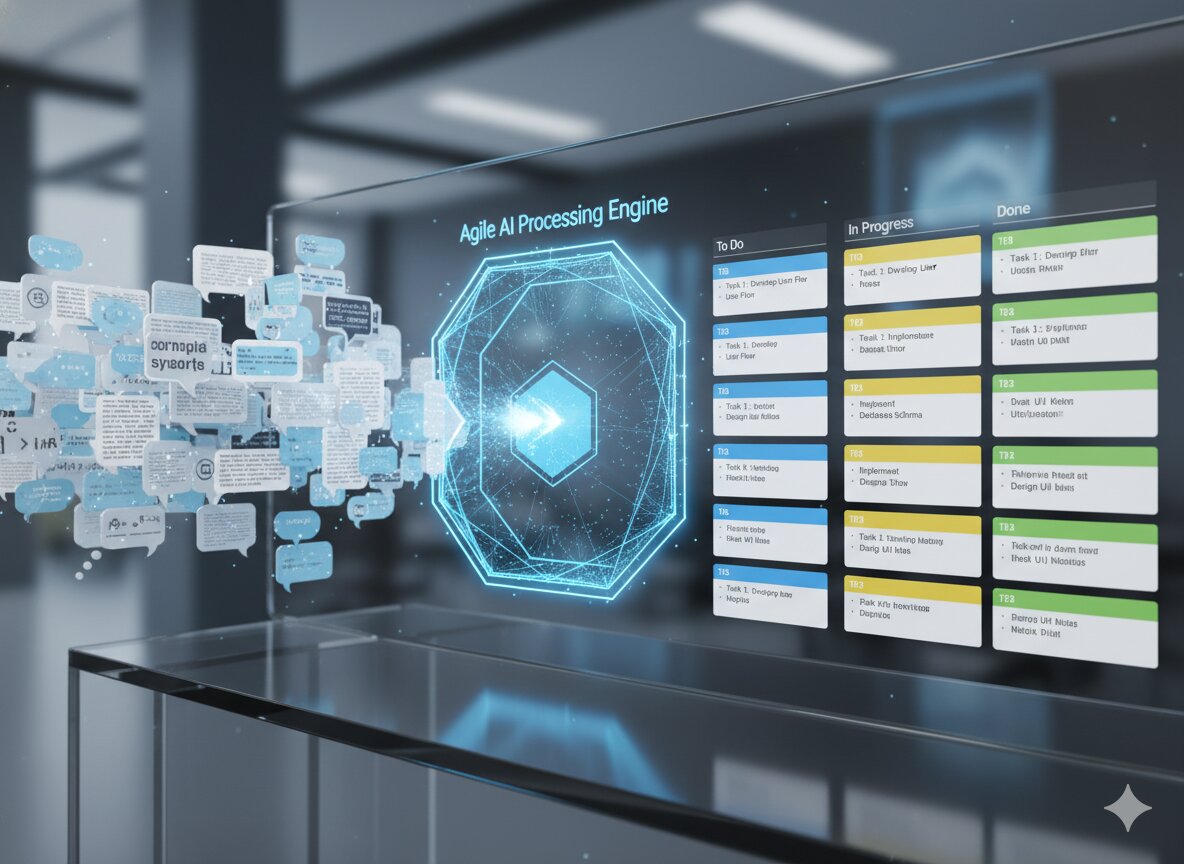
- The Strategy: TPMs lose context when forced to manually record notes during intense technical debates. Deploy enterprise meeting intelligence tools to transcribe calls, parse architecture trade-offs, and automatically extract assigned action items into Slack or Jira.
- Interview Script: "During cross-functional technical syncs, I use Granola to transcribe and parse technical discussions. Immediately after the call, the AI formats open technical risks, architectural decisions, and owned action items directly into our team Slack channel for immediate verification."
4. C-ode Dependency & Risk Analysis
Identify hidden cross-repository blockers before they impact release timelines.
- The Tools: CodeSee, Bito, Sourcegraph Cody.
- The Strategy: Traditional risk tracking relies on manual developer updates. Use code intelligence tools to analyze cross-repository pull requests, track API contract changes, and map inter-service dependencies in real time.
- Interview Script: "Instead of relying on static spreadsheets, I leverage Sourcegraph Cody and CodeSee to analyze pull request velocity across dependent microservices. If an upstream API contract update lags behind our downstream integration milestone, the tool alerts me early so I can step in to de-risk the schedule."
5. K-PI Tracking & Executive Reporting
Tailor master program health data for different organizational audiences instantly.
- The Tools: Gamma, Perplexity Enterprise, ChatGPT Enterprise.
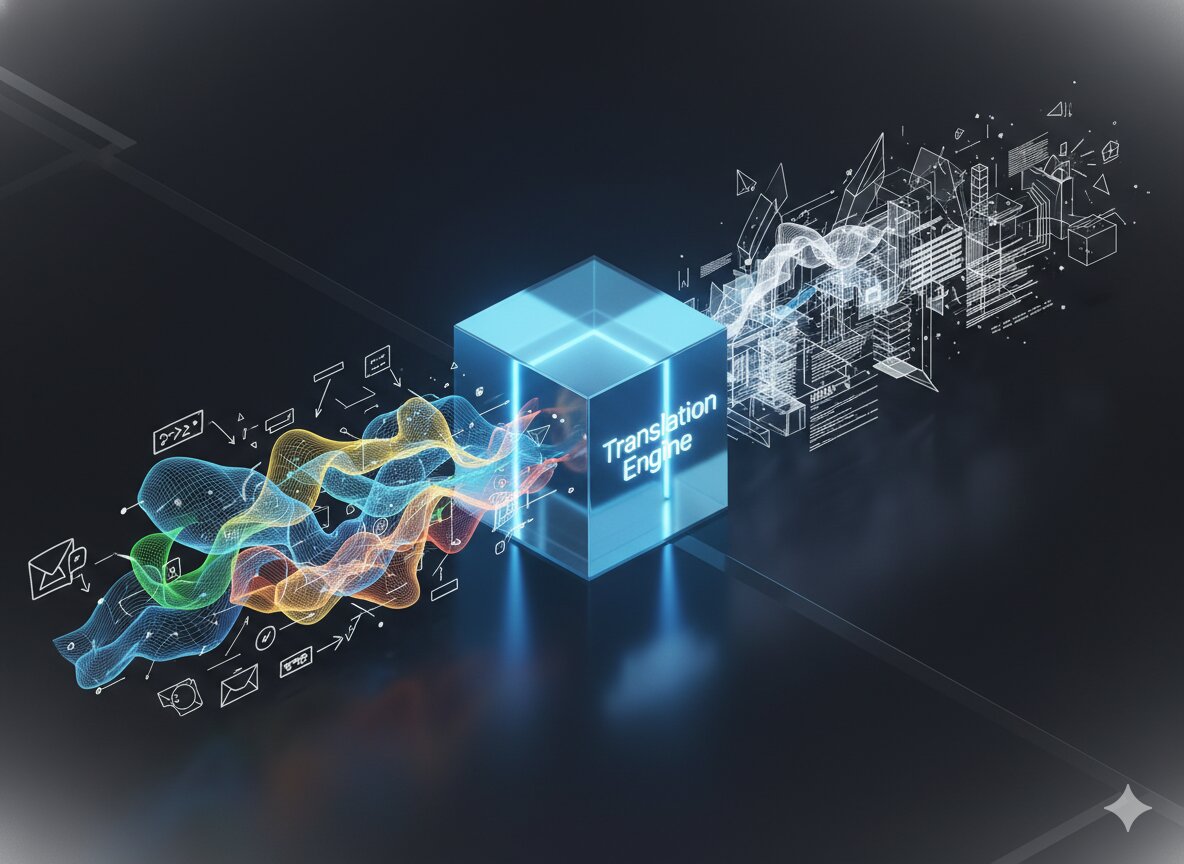
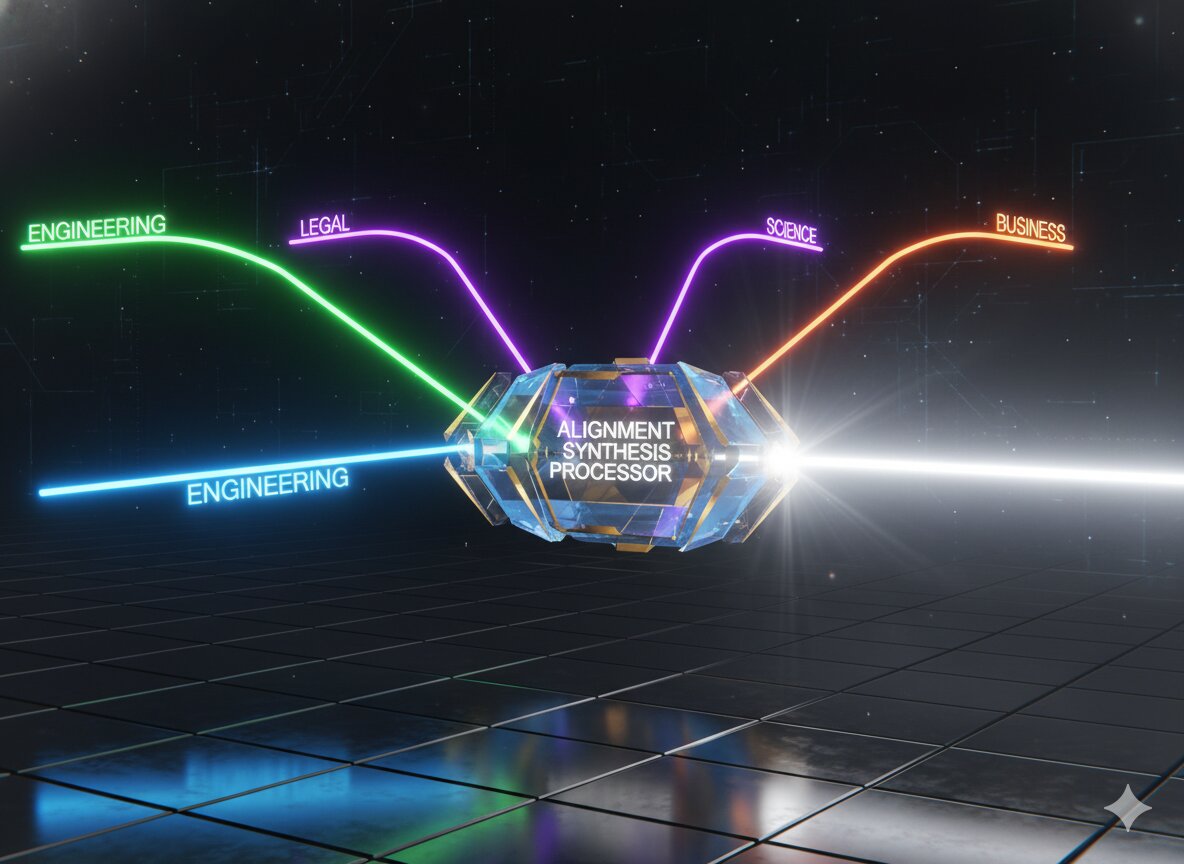
- The Strategy: Translating a single program update into tailored formats for engineers, directors, and executives can take half a day. Use generative presentation and reporting tools to synthesize technical metrics into high-level executive dashboards.
- Interview Script: "I maintain a single master data layer for program health. Using custom prompt workflows in ChatGPT Enterprise, I instantly transform technical burn-down data into three formats: a detailed PR tracker for engineering leads, a milestone summary for product directors, and an ROI bullet list for executive sponsors."
The Comparison: Bad vs. Good
Bad Answer (Vague & Generic)Good Answer (STACK Framework)"I use ChatGPT to write my status emails and Notion AI to organize my personal task list every week.""I deploy the STACK framework: using Claude for drafting technical specs, Jira AI for automated ticket triage, Granola for meeting extraction, and Sourcegraph Cody to map cross-repository PR dependencies.""AI tools are okay, but I prefer to do everything manually using Excel and Jira to make sure nothing breaks.""Manual tracking creates operational bottlenecks. I automate low-signal data collection using AI, allowing me to focus my bandwidth on technical trade-offs and cross-functional alignment."
Scale Your TPM Career with Kracd
Mastering AI productivity tools is only one part of the senior TPM role. In FAANG-level interviews, you will be evaluated on your ability to handle complex system design trade-offs, drive cross-functional consensus, and manage multi-team technical delivery under tight constraints.
Take your preparation to the next level with battle-tested frameworks:
- Dominate system design, technical execution, and program leadership loops with the TPM Prep Kit.
- Master product strategy, cross-functional alignment, and metric frameworks with the PM Prep Guide.
FAQs
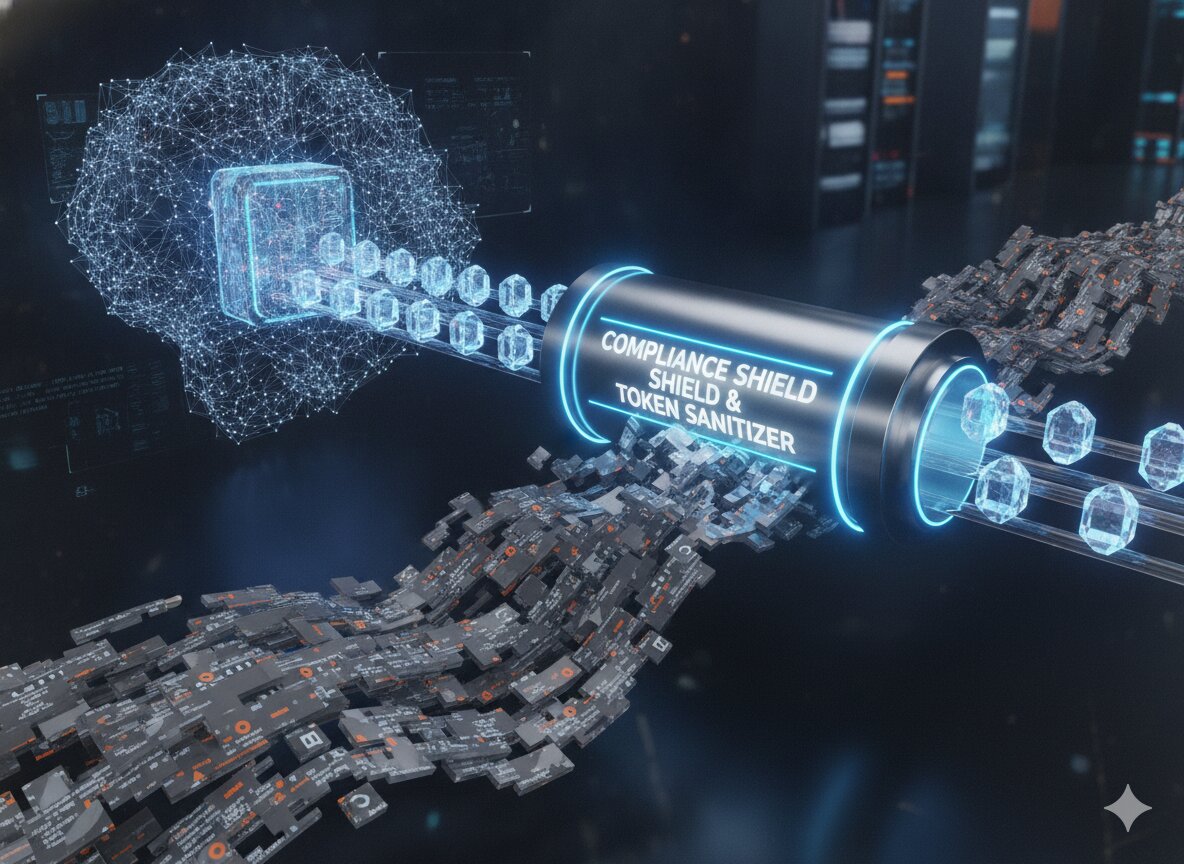
Q: How do you handle security and privacy concerns when using AI tools for internal program data?
A: Always enforce strict data governance by using enterprise-grade instances (e.g., ChatGPT Enterprise, Claude for Work) with Zero Data Retention (ZDR) agreements and disabled model training options. Never input raw customer PII, unannounced IP secrets, or production credentials into public AI models.
Q: Will AI tools make the role of a Technical Program Manager obsolete?
A: No. AI eliminates administrative overhead, meeting transcripts, and manual status tracking, but it cannot replace human technical judgment, negotiation, cross-functional conflict resolution, or strategic program alignment. TPMs who master AI tools will simply replace those who do not.
Q: What is the single most impactful AI workflow a TPM can implement today?
A: Automated meeting extraction and decision logging. Capturing technical decisions, open risks, and action items automatically from architecture calls saves 5+ hours a week and ensures total alignment across engineering leads.












.jpg)